Statistics Canada's 2021 Census of Agriculture counted 1,438 farms in Stormont, Dundas and Glengarry, and 232 of them were dairy. North Dundas had 328, more than any other township in the counties. We're based in Morewood, in the middle of that township, and farm IT is a large part of what we do.
The same census found that in 2020, over half (54.1%) of Ontario farms reported using technology such as robotic milking and automated guidance steering. A robotic milker lives in the barn. The router usually doesn't.
Consider a hypothetical dairy farm outside Chesterville. The router sits on a shelf in the house. The barn and the shop run on phone data. There's a camera over the calving pen, but its app only loads if you stand on the porch. The office computer does the books, the herd records and the tax paperwork by day, then homework and online banking at night.
Each piece works, more or less. Together, they're fragile. Farm IT is a networking problem first and a computer problem second, so we'll take it in that order.
Why the House Router Can't Reach the Barn
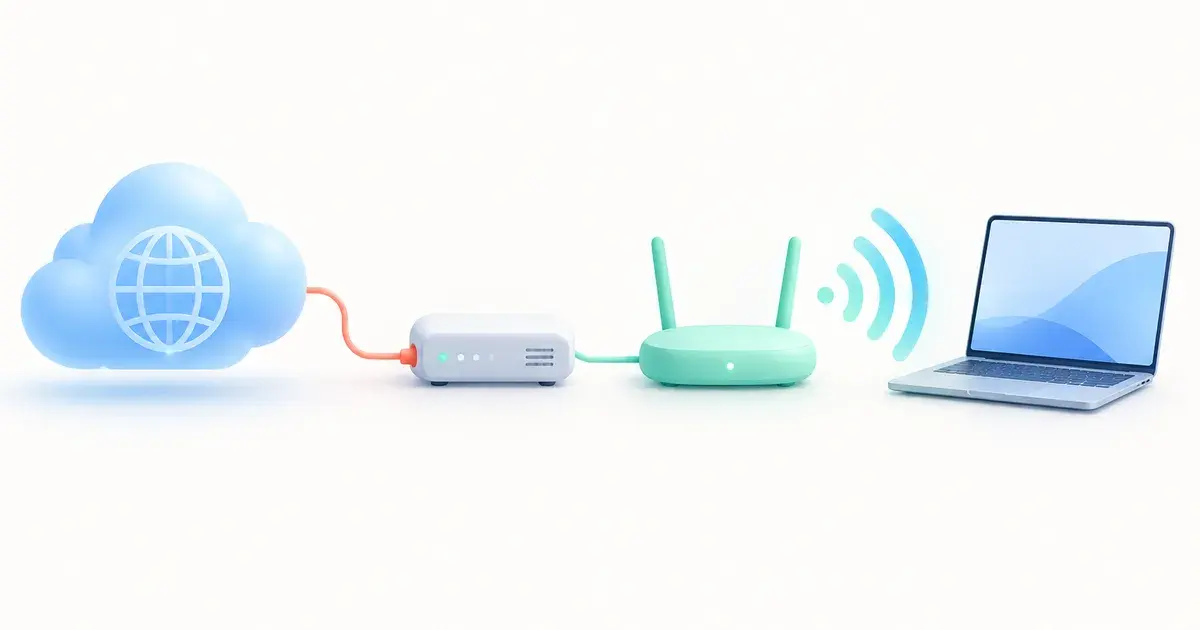
A router bought for a house is built to cover a house. Across a yard, the signal fades with distance, and steel siding, metal roofs and concrete block soak up much of what's left. A bigger router, or an extender on the kitchen windowsill, rarely gets a usable signal inside a steel building.
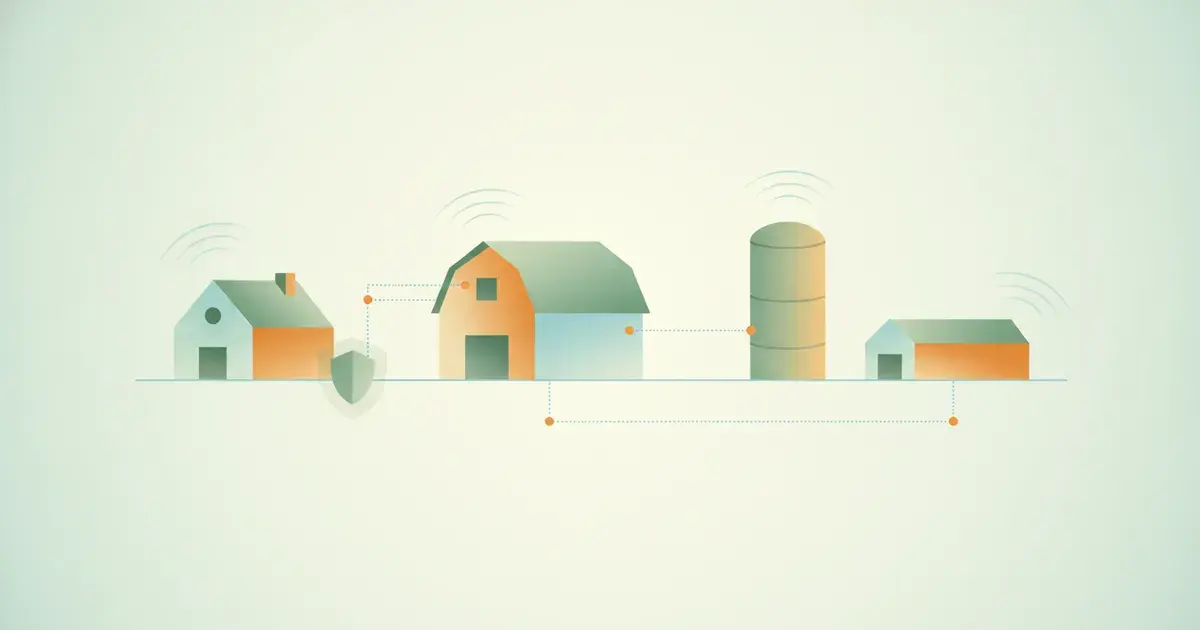
What works is connecting the buildings first, then putting WiFi inside each one:
- A wired run between buildings. Buried cable is the most dependable option where the distance and the ground allow it.
- A point-to-point wireless link. Two small radios, one on each building, aimed at each other with a clear line of sight. Ubiquiti's building-to-building bridge, as one example, is rated for up to 500 m. Other models reach further.
- An access point inside each building. In a barn or shop, that means gear rated for outdoor use and dusty spaces.
- One gateway at the centre, managing the network for the whole property.
Do that, and the calving camera works from the kitchen. The barn stops depending on someone's data plan. The cabling and links are installation work, covered on our IT services page.
Keep the Barn Equipment Off the Office Network
The cyber security guide for farms from Agriculture and Agri-Food Canada (AAFC) says the targets on a farm "can include production, financial, customer and other data, wireless sensors, automated and robotic machinery," along with the heating, ventilation and refrigeration controls.
Control systems, cameras and sensors are rarely updated, and some still use the password they shipped with. AAFC's checklist asks you to change the default passwords on every device that connects to the internet or is GPS-enabled, including "the passwords of the routers for Wi-Fi network(s) and tractors and other machinery in the field."
The Canadian Centre for Cyber Security gives the same advice for connected devices: change default passwords, and put personal smart devices on "a separate bring your own device (BYOD) network (e.g. guest Wi-Fi)."
AAFC's dairy case study puts the next step plainly: "Network segmentation can prevent malware from spreading." That means separate networks running on the same equipment, so a problem on one can't reach the others. On a farm, we'd split it like this:
- Equipment and controls: the milking system, ventilation, feeding and other barn systems.
- Cameras: yard, barn and driveway.
- Office: the farm computer and the printer.
- Family and guests: phones, tablets, the TV, and anyone visiting.
When the Equipment Dealer Needs to Connect
Some equipment makers support their systems remotely. If yours does, you should know who can connect, how, and to what, and that access shouldn't reach the office computer.
We support the network and the computers, and we work with the equipment vendor when their system needs a connection or a change. We don't replace the vendor's own support for their product.
Plan Around the Internet You Actually Have
Out here, the connection might be wired, fixed wireless or satellite. We design around whichever one you have. Where it makes sense, we add a fallback (a cellular connection or a second provider) so the office keeps working when the main line is down.
The other half is knowing when it drops. If the connection fails overnight, does anyone find out before morning milking?
Network Shield Monitor is $20 per month per site. It watches your connection, sends outage alerts and handles escalation with your internet provider. Not sure whether it's the line or the WiFi? Our earlier post on connection drops covers what to note.
The Farm Office Computer
On our hypothetical Chesterville farm, one computer holds the books, the herd records, the email, and the paperwork for AgriStability and tax deadlines.
The Canada Revenue Agency says: "Generally, you must keep all required records and supporting documents for a period of six years from the end of the last tax year they relate to." Electronic records count, as long as they can be made available "in an electronic format readable by CRA software." If those records exist only on one computer, a failed drive also becomes a record-keeping problem.
Timing matters too. In 2022, the FBI warned that "ransomware actors may be more likely to attack agricultural cooperatives during critical planting and harvest seasons." That notice was about U.S. cooperatives, not family farms: "Between 15 September and 6 October 2021, six grain cooperatives experienced ransomware attacks," and some had to halt production completely. Whatever the size of the operation, harvest is a bad time to lose the office.
For the office computer, we'd suggest:
- Keep it patched. AAFC's advice is to "update your devices to make sure the latest security patches are applied."
- Back it up, and keep a copy offline. AAFC's checklist says to "back up valuable data and information on a quarterly basis and store a copy offline in a place that's separate from my network."
- Test the backup before the day you need it.
- Keep the farm computer for farm work, and give the kids a device on the family network.
Device Shield, at $50 per device per month, adds 24/7 threat detection with real people watching for malware and ransomware, automatic security patches, web filtering and remote monitoring. It's protection only: support is billed at $105/hour or included with the CinnTech Pro User Shield plan. The Local PC Backup add-on ($25 per device per month) is a full computer backup (300GB). Keep AAFC's quarterly offline copy on top of it.
What Network Shield Looks Like on a Farm
It starts with an assessment, from $250 per site. We document what you have, identify what needs replacing, and give you a written plan before anything is committed. Installation is quoted per project at our subscriber rate of $105/hour. Hardware is quoted separately, and it's yours.
Ongoing management is priced by the piece:
- Gateway: $45/month per site for a UniFi or Omada gateway. The other managed lines build on it.
- Wireless: $20/month per access point.
- Switch: $20/month per switch.
- Monitor: $20/month per site, and it doesn't need a Gateway.
Clients with Device Shield get 10% off every Network Shield line. Prices are in Canadian dollars plus HST, on a 12-month term, then month to month with 30 days' notice. ISP escalation is included. On-site visits, cabling and expanding the network sit outside the ongoing scope and are billed separately.
Travel is a flat fee by zone rather than mileage. Most of North Dundas, Russell Township and North Stormont is in our local zone, where there's no travel fee at all.
The Bottom Line
Connect the buildings before you add WiFi. Put the equipment, cameras, office and family on separate networks, and change every default password. Know when the internet goes down. Get the office computer protected and backed up before harvest, not in the middle of it.
Farm or agri-business around Winchester, Chesterville or elsewhere in Eastern Ontario? Tell us about your site on the Network Shield page. The form is at the top. Include your town, the buildings that need a connection and the internet you have now, and we'll start with an assessment and a written plan. There's more on how we work with farms on our farms and agri-business page.
Sources:
- Statistics Canada, Farms classified by farm type, Census of Agriculture, 2021 (Table 32-10-0231-01).
- Statistics Canada, Ontario is an agricultural powerhouse that leads in many farming categories.
- Ubiquiti, UniFi Building-to-Building Bridge datasheet.
- Agriculture and Agri-Food Canada, Cyber security and your farming business.
- Canadian Centre for Cyber Security, Internet of Things (IoT) Security (ITSAP.00.012).
- Agricorp, AgriStability deadlines.
- Canada Revenue Agency, Where to keep your records, for how long and how to request the permission to destroy them early.
- Federal Bureau of Investigation, Ransomware Attacks on Agricultural Cooperatives Potentially Timed to Critical Seasons (PIN 20220420-001).
- CinnTech, Network Shield plans, pricing, and service scope.
CinnTech
Managed IT · Eastern Ontario
CinnTech has been serving small and micro businesses in Eastern Ontario since 2007. Our team writes these guides to help business owners make sense of IT and cybersecurity without the jargon.
Network Shield
Find Out What Your Network Needs
Tell us where the connection drops and what equipment you have. We can help you choose between connection monitoring and ongoing management of your network.
Explore Network Shield